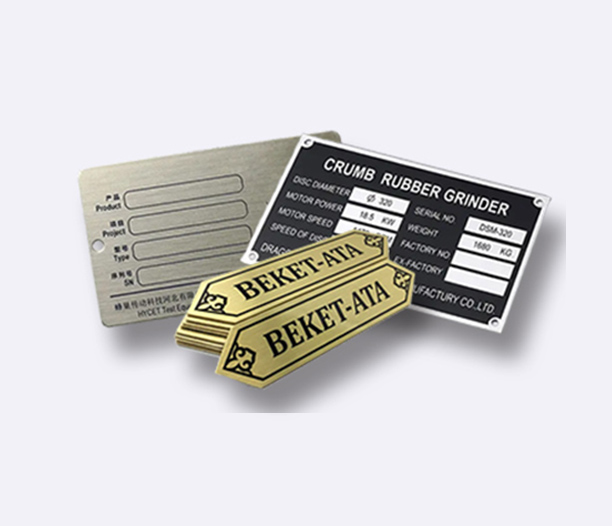
Keeping track of your stuff is a universal business challenge. Whether it's tools in a workshop, IT equipment in an office, or products in a warehouse, knowing what you have and where it is saves time and money. This is where inventory tags come in.
While generic, pre-printed tags can work in a pinch, they often fall short. They might lack your company information, use flimsy materials, or fail to integrate with your tracking system. This is why a shift to custom inventory tags is more than an upgrade—it's a strategic move for better operations.
Custom inventory tags are labels or badges you design to fit your exact needs. You control the size, material, information, and technology embedded in them. This tailored approach solves specific problems that off-the-shelf tags can't touch.
Let's look at why investing in custom inventory tags is a smart decision for efficiency, accuracy, and control.
What Are Custom Inventory Tags, Really?
At their core, custom inventory tags are physical identifiers you attach to assets, equipment, or products. Their purpose is to give each item a unique identity within your tracking system. The "custom" part is what makes them powerful.
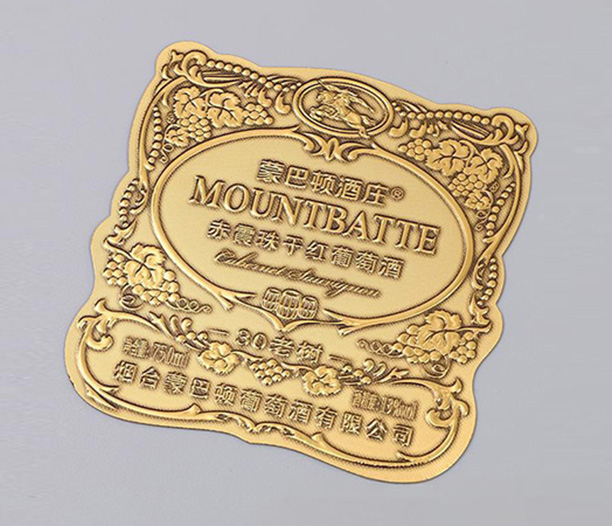
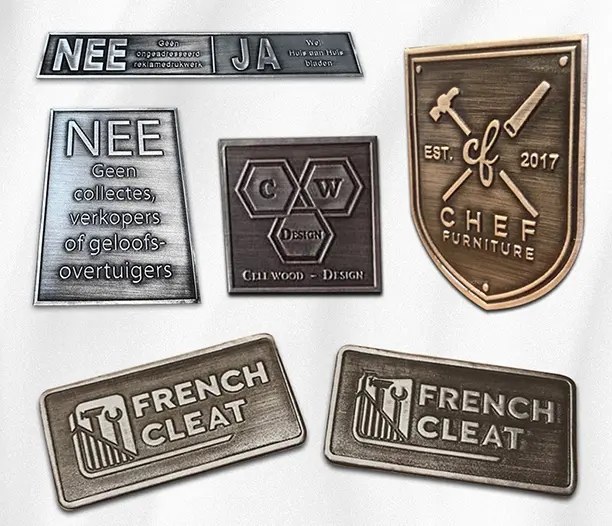
Unlike standard tags, custom inventory tags are built to your specifications. You decide what they look like and how they function. This means you can include your company logo, specific asset categories, unique serial number formats, and even color-coding for different departments.
These tags act as a physical link between an item in the real world and its digital record in your software. When you scan or look up the tag's number, you instantly access the item's full history, location, maintenance schedule, and value. Custom inventory tags turn random items into managed assets.
The Hidden Costs of Using Generic Tags
Many businesses start with generic tags because they seem cheaper and easier. But this shortcut often leads to hidden costs and frustrations down the line. Recognizing these pitfalls highlights the value of moving to a custom inventory tags system.
Generic tags lack critical information. You might write an asset number on them, but without your company name or a clear identifier, a lost tool is just a tool. Custom inventory tags can include "Property of [Your Company]" and a direct contact number, increasing the chance of return.
They are often made from low-quality materials. A paper tag in a warehouse environment will smear, tear, or fall off. This leads to "ghost assets"—items that exist but have become untraceable. Replacing these tags constantly wastes labor and creates data gaps.
Most importantly, generic tags don't scale well. As your inventory grows, a handwritten system becomes chaotic. Custom inventory tags are designed to work seamlessly with barcode or RFID scanners, enabling rapid, error-free audits and check-ins.
5 Key Features to Design Into Your Custom Tags
When ordering custom inventory tags, you're not just buying a label. You're designing a tool. Here are five features you should consider incorporating to maximize their effectiveness.
1. Durability and Material Choice: The best custom inventory tags are built for their environment. For outdoor equipment, consider anodized aluminum or polyester that withstands weather. For chemical drums, you need chemical-resistant materials. For high-wear tools, a metal tag with a protective laminate coating lasts longer. This choice prevents frequent re-tagging.
2. Data Encoding Technology: Will you use barcodes, QR codes, or RFID? Linear barcodes are cost-effective and widely compatible. QR codes can store more data, like links to manuals. RFID custom inventory tags allow for bulk, non-line-of-sight scanning but are more expensive. Your choice dictates the scanning hardware you'll need.
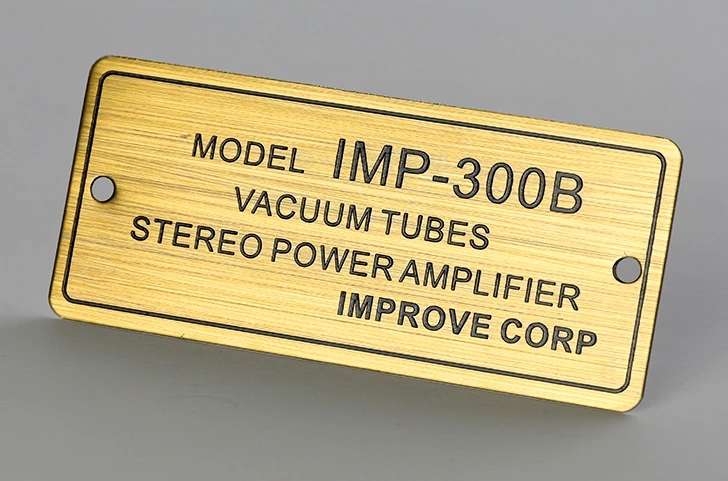
3. Critical Printed Information: Beyond the scannable code, what text must be on the tag? Your company name and logo are essential for ownership. A clear, unique asset ID (like "IT-2024-1001") is the primary key. You might also include a category, location code, or simple instructions like "Scan for Service History."
4. Security and Tamper-Evidence: For high-value assets, security matters. Tamper-evident custom inventory tags break apart or leave a "VOID" message if someone tries to remove them. This deters theft and alerts you if an asset has been improperly handled.
5. Size, Shape, and Attachment: A tag must fit the asset. A tiny tag is useless on a forklift, and a large tag is absurd on a microscope. Design the shape and size to be legible and practical. Also, choose the right attachment: adhesive backing, wire ties, metal rivets, or nylon cables for permanent fixing.
Industry-Specific Uses for Custom Inventory Tags
The application of custom inventory tags varies widely. Seeing how different industries use them can spark ideas for your own needs.
In manufacturing and warehousing, durable inventory tags are crucial. They track machinery, tooling, and storage bins. Metal tags on equipment log maintenance dates via QR code scans, reducing downtime. Bin location tags streamline picking and packing processes.
For IT and office management, custom asset tags help control expensive electronics. Laptops, monitors, and servers all get tagged with scannable codes. This simplifies annual audits, manages warranty information, and aids in loss prevention. Small, discreet custom inventory tags are perfect for this setting.
Healthcare and laboratories rely on tags for compliance. They track medical devices, lab equipment, and even specimens. Autoclavable (sterilizable) custom inventory tags are vital for instruments that undergo high-heat cleaning, ensuring identification survives the process.
Event and rental companies use highly durable, weatherproof tags. They tag everything from chairs and tents to audio-visual gear. Scanning tags at check-out and check-in speeds up inventory reconciliation and identifies missing items instantly, saving revenue.
How to Choose the Right Provider for Your Tags
Not all tag providers are equal. Selecting the right partner for your custom inventory tags is as important as the design itself. Look for a provider that offers more than just printing.
First, seek expertise. A good provider will ask questions about your use case, environment, and scanning system. They should advise on material selection and data encoding, not just take an order. They understand that custom inventory tags are a component of a larger tracking system.
Evaluate their customization capabilities. Can they produce the specific size, shape, and material you need? Do they offer sequential numbering, which is essential for unique asset IDs? Can they integrate your logo and design elements cleanly? Ask for samples to check print quality and material feel.
Consider their process and support. Is ordering straightforward? Do they offer templates or design tools? What are their turnaround times? Reliable providers ensure your custom inventory tags are delivered consistently and on schedule, which is critical for large rollouts or ongoing needs.
The Simple Process of Getting Started
Transitioning to custom inventory tags doesn't have to be complex. Breaking it down into steps makes the process manageable.
Step one is audit and plan. Identify what you need to tag. Group items by category (e.g., IT hardware, manufacturing tools, office furniture). This will help you determine if you need one type of tag or several custom inventory tags for different uses.
Step two is design and test. Work with your provider to design a prototype. Order a small sample batch of your custom inventory tags. Test them in the real environment—attach them, scan them, expose them to typical conditions. Make sure they work as intended before committing to a large order.
Step three is implementation and integration. Develop a simple procedure for tagging new items. Train your team on how to apply the tags and how to use the scanner with your inventory software. Start tagging items methodically, perhaps by department or location, updating your digital records as you go.
Frequently Asked Questions (FAQ)
Q1: How long does it take to receive custom inventory tags after ordering?
A1: Lead times vary by provider and order complexity, but typical production for custom inventory tags ranges from 5 to 15 business days. Always ask for an estimate when placing your order, especially for large quantities or unique materials.
Q2: Can custom inventory tags withstand harsh environments like extreme heat, cold, or moisture?
A2: Absolutely. This is a key advantage of customization. You can specify materials like polyester, anodized aluminum, or ceramic that are engineered to resist UV rays, temperature swings, chemicals, and moisture. Always describe your environment to the provider.
Q3: What's the difference between barcode and RFID custom inventory tags?
A3: Barcode custom inventory tags require a line-of-sight scan with a laser or imager scanner. They are very cost-effective. RFID custom inventory tags contain a tiny chip and antenna; they can be read from a distance without direct visibility, and many can be scanned at once, but they are more expensive per tag and require specialized readers.
Q4: Are custom inventory tags more expensive than pre-printed ones?
A4: The initial unit cost is often higher. However, when you factor in the long-term benefits—better durability, reduced labor in tracking, fewer lost assets, and improved accuracy—the total cost of ownership for custom inventory tags is usually lower. They are an investment in efficiency.
Q5: Can I order a small batch first to test them out?
A5: Yes, and this is a highly recommended practice. Most reputable providers of custom inventory tags will offer low minimum order quantities (MOQs) for testing. This allows you to evaluate the material, adhesive, print quality, and scan performance in your actual workflow before a full-scale rollout.